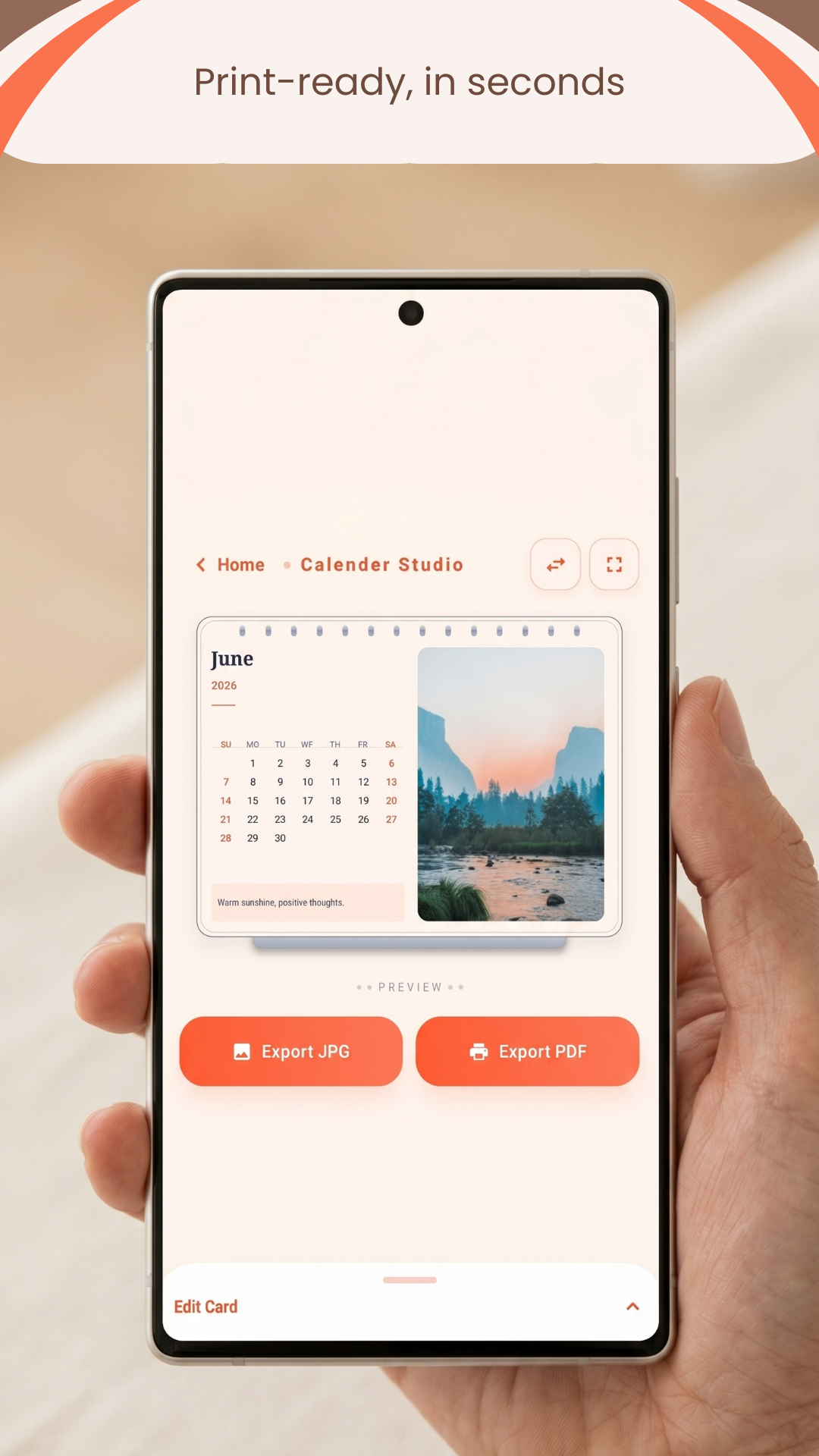
Add your photos, pick your month, and export — all from one clean screen.
Features
Everything you need
Powerful tools, zero complexity.
Your Photos
Add photos from your gallery. Pinch to zoom and drag to reposition the image right on the card — what you see is what you get.
Themes & Borders
Multiple colour themes — Warm Parchment, Midnight Copper, Obsidian Ink and more — plus scenic backgrounds like Sunset, Forest, and Ocean.
Flexible Layout
Swap the photo to either side with a single tap. The 12-month wall layout supports two independent photo slots.
Export JPG & PDF
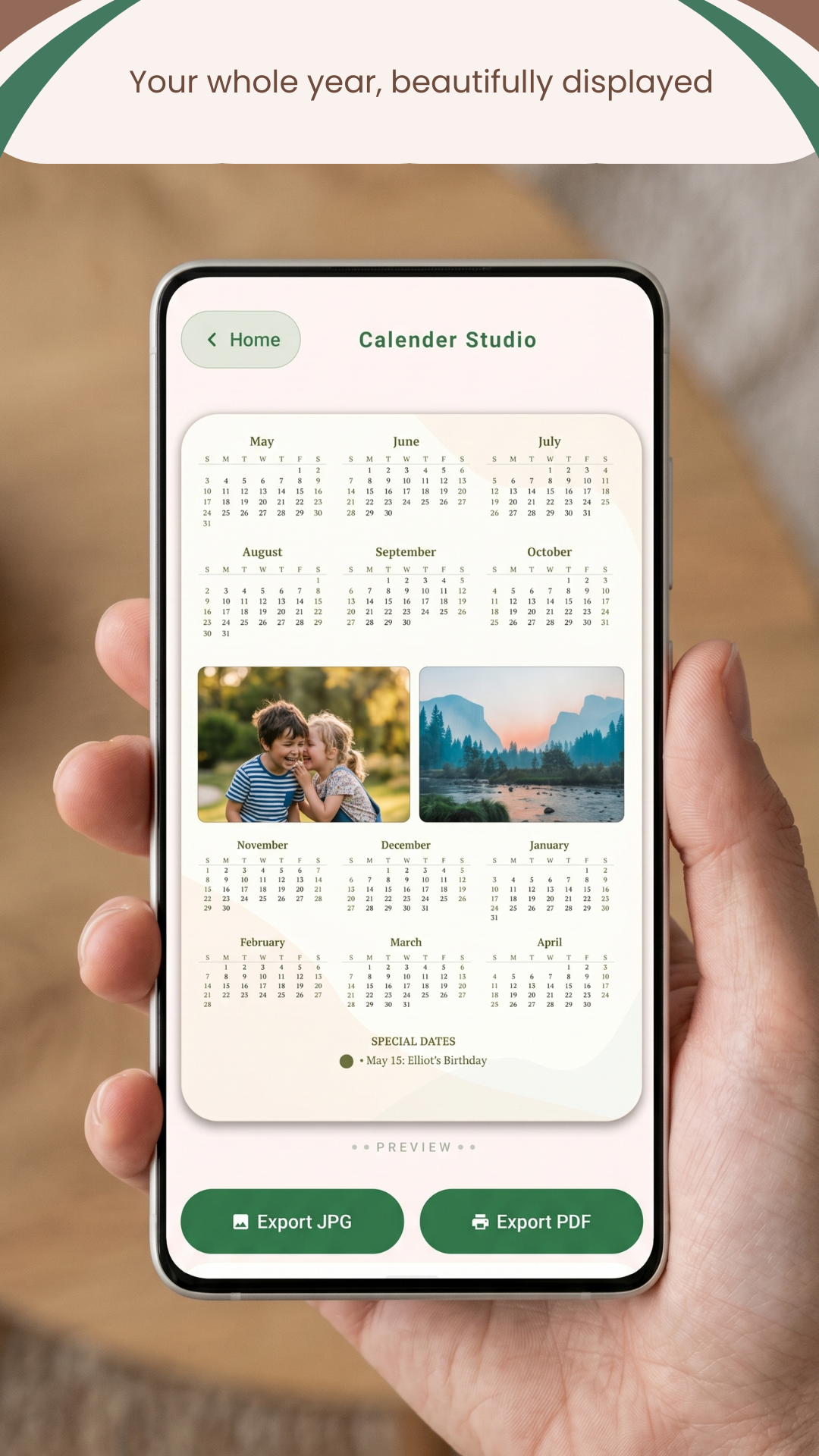
Desk calendar exports at 2200×1375 px (A5 @ 300 dpi). Wall poster exports at 2400×3600 px (A3 @ 300 dpi). Both print-shop ready.
Save & Reload Designs
Name and save your favourite designs. Reload them any month to instantly generate next month's calendar — zero rework.
Notes & Writing Lines
Add a short quote or caption. Toggle ruled writing lines on or off — perfect for hand-writing notes on a printed copy.
Special Dates
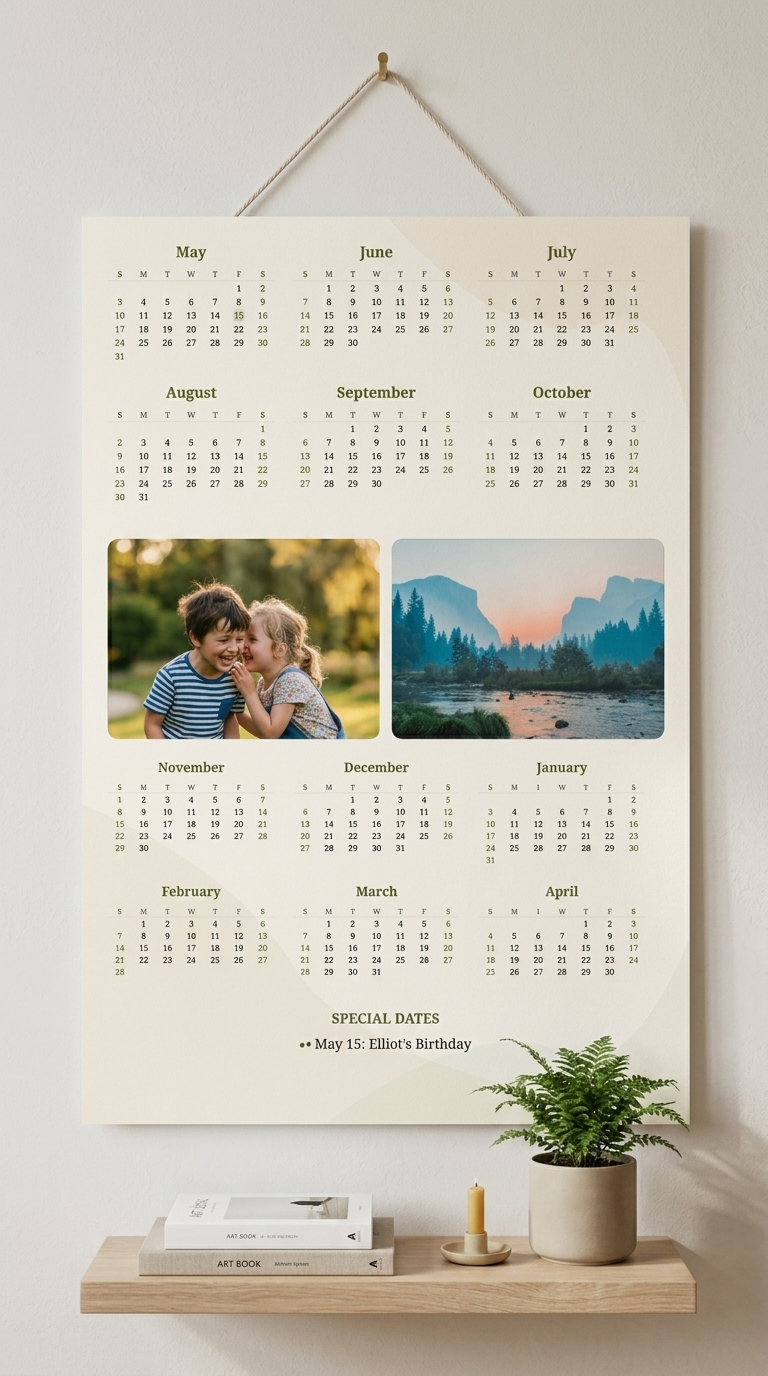
Pin important birthdays and anniversaries to your wall poster. They appear as a highlighted events list at the bottom of the calendar.
100% Private
Everything stays on your device. No account, no cloud, no tracking. Your photos and designs never leave your phone.
Two Formats
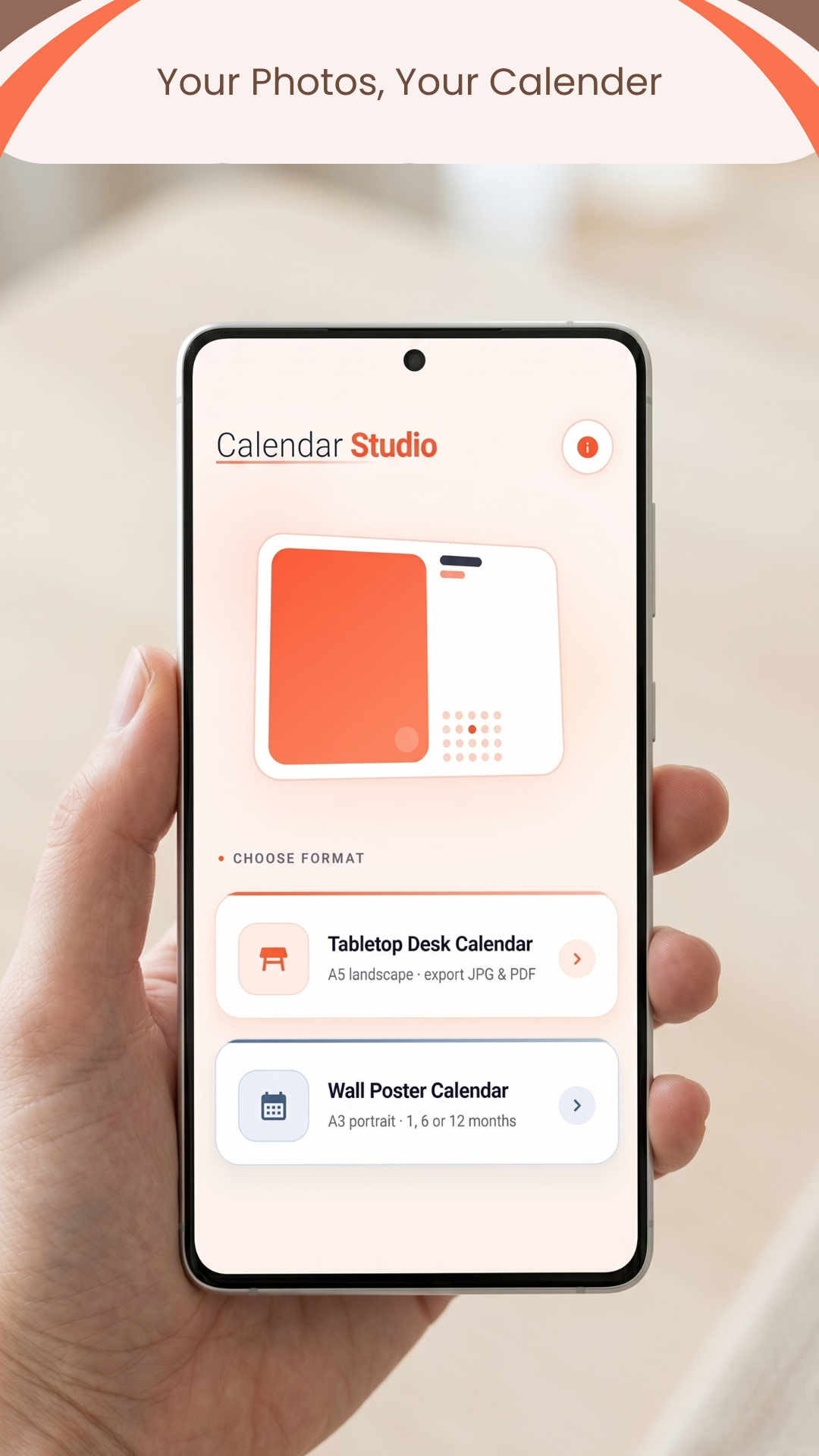
Pick your format
Both formats export at print-shop quality.
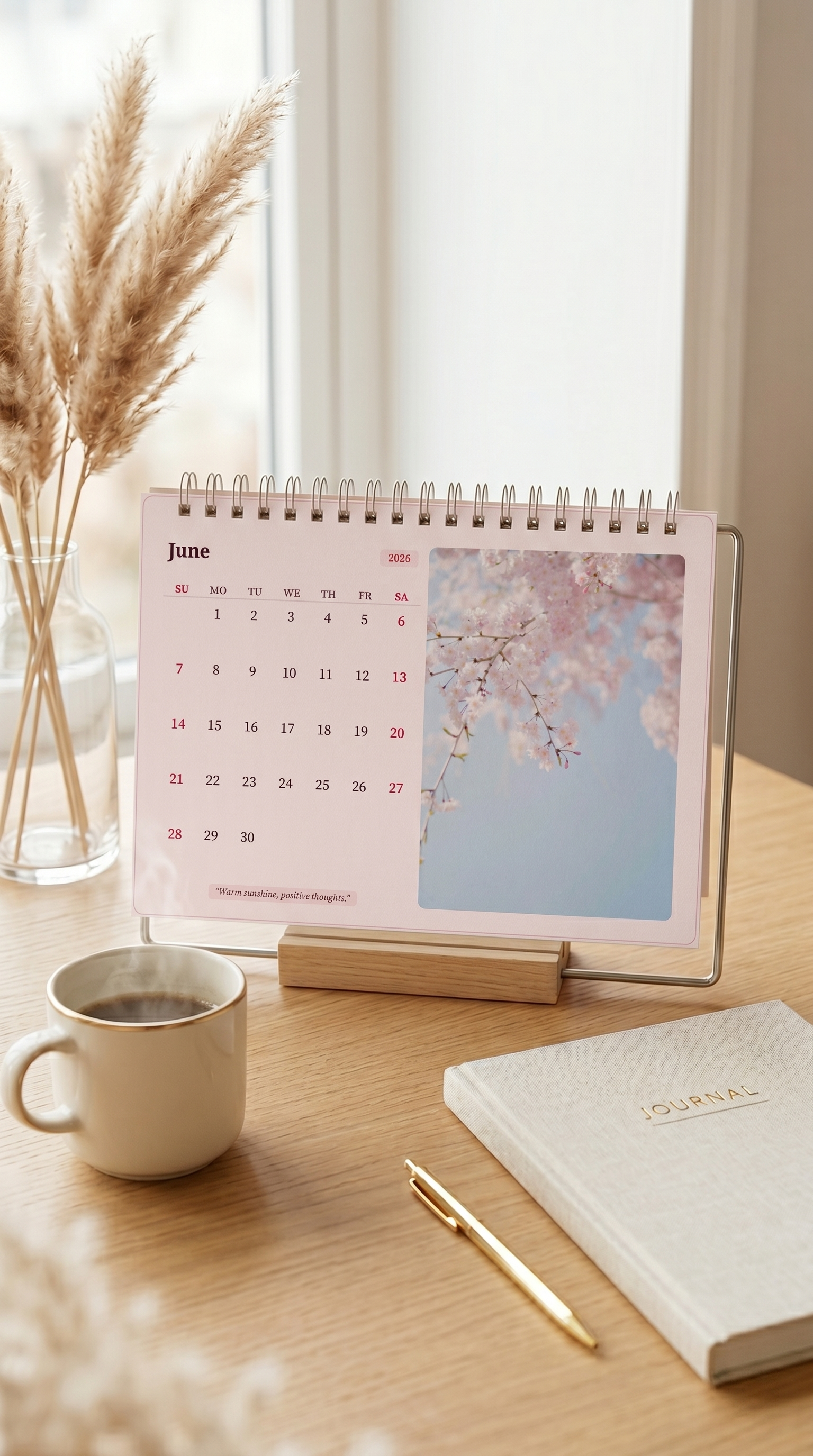
Tabletop Desk Calendar
A5 landscape layout with a photo on one side and the monthly grid on the other. Export as JPG (2200×1375 px) or PDF. Flip the photo to either side with one tap.
Wall Poster Calendar
A3 portrait poster in 1-month, 6-month, or full 12-month layouts. Add up to two personal photos, set a scenic theme, pin special dates, and export at 2400×3600 px.
How it works
Ready in minutes
1
Choose a format
Pick Tabletop Desk or Wall Poster from the home screen.
2
Add photo & style
Select from your gallery. Pinch-zoom to frame the shot, then pick a theme.
3
Set the month
Tap directly on the preview or use the Date panel. Add special dates for wall calendars.
4
Export & print
Save as JPG or PDF and take it straight to a print shop — or print at home.